Choosing the best Smart Locker Lock in 2026 means looking beyond the keypad or app. The right choice depends on who uses the lockers, how often access changes, and what happens when power or network service fails. A parcel room in a busy apartment building has different needs from a staff locker area with scheduled shifts.
The scale of parcel delivery makes these decisions practical, not theoretical. Pitney Bowes’ 2023 Parcel Shipping Index reported 161 billion parcels shipped worldwide in 2022, an 8% increase over the previous year. That figure is not a lock forecast. It does show why reliable, traceable locker access matters to operators handling frequent pickups and deliveries. Small details count. A resident waiting at a locker needs a clear unlock process, while a facilities manager needs dependable records when access is questioned.
This guide compares the factors that matter most: credential options, audit logs, battery life, offline operation, weather resistance, installation, and system integration. It also explains how to assess security claims against product documentation and, where available, independent testing. A polished specification sheet can still hide an awkward daily workflow. For example, a lock may support mobile credentials but offer limited access during a network outage. Before choosing, test the actual user flow, confirm replacement and support arrangements, and check that the lock fits the locker hardware. There is no universal winner. The best choice is the one that meets real operating needs without adding avoidable complexity.
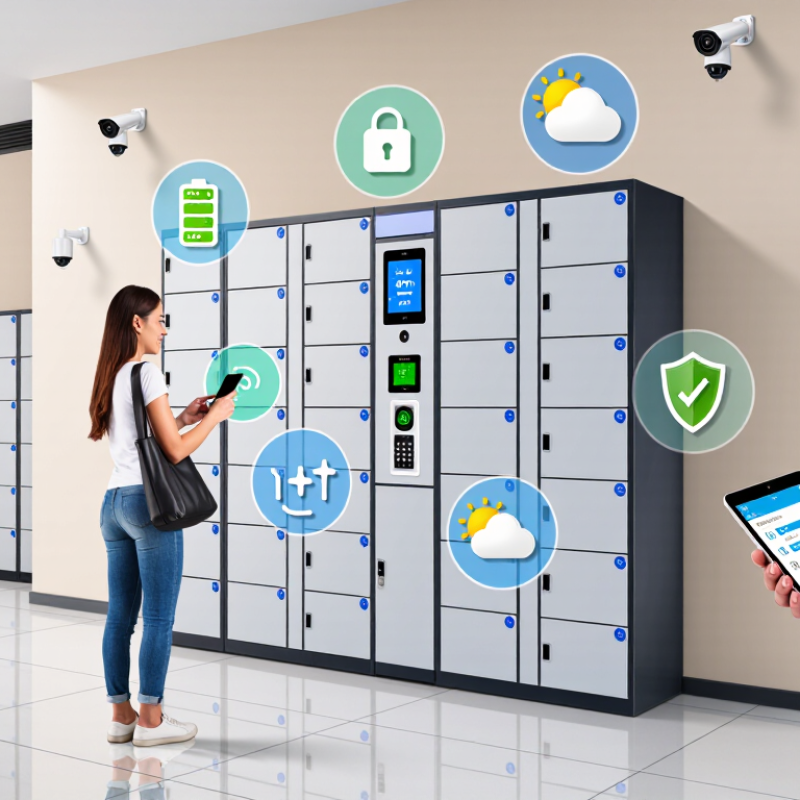
Before comparing smart locker locks, define who will use them, what they will store, and when access must work. A residential parcel room needs different controls from a campus equipment cabinet or staff tool room. Pitney Bowes’ 2024 Parcel Shipping Index reported 21.7 billion U.S. parcels in 2023, underscoring the scale of delivery handling. That figure is not a forecast for your site. Track daily arrivals, peak-hour queues, package sizes, and storage times before choosing a lock.
Map the operating conditions: indoor or exposed installation, available power, network coverage, user turnover, and support hours. Decide whether people need temporary PINs, mobile credentials, staff overrides, access records, or entry during network outages. Peak demand matters. Set a recovery target for jammed doors or drained batteries. Test access with gloves and weak signal; a neat specification sheet can miss awkward realities. Confirm maintenance intervals and emergency release procedures with the installer.
Tips: Walk the full user route at the busiest hour. Note where deliveries wait, where signal drops, and who responds when access fails. Then check those observations against your written requirements.
A smart locker lock should match the way people use the locker, not just the feature list. Keypad and RFID models allow quick access without a phone. Bluetooth locks work well when users are nearby, while Wi-Fi or cellular models support remote monitoring. The Bluetooth SIG’s 2024 market update forecasts 7.5 billion Bluetooth device shipments in 2028, but widespread adoption does not make every connection equally reliable.
Power choice affects daily maintenance. Replaceable batteries simplify retrofits, though cold rooms, frequent use, and weak signals can shorten service life. Rechargeable packs reduce disposable battery use but need a charging plan. Hardwired power suits fixed installations, yet wiring can complicate upgrades. Check low-battery alerts and confirm how the lock behaves during an outage. Small details matter.
Connectivity deserves a site test. Bluetooth can avoid a constant internet connection, but remote status usually needs a gateway. Wi-Fi offers direct network access and may drain batteries faster; cellular can serve isolated locations, with coverage and recurring data costs to consider. IoT Analytics estimated 18.8 billion connected IoT devices worldwide by the end of 2024, up 13% year over year. More connected devices also mean more network dependencies. Test signal strength inside a closed metal locker bank, not just in the hallway. It is easy to overlook that.
| Lock Type | Typical Power Source | Connectivity | Access Methods | Offline Operation | Best Fit | Key Considerations |
|---|---|---|---|---|---|---|
| Electronic keypad lock | Replaceable batteries or, for some installations, a wired supply | Standalone; some models connect to a management system through a gateway or wired controller | PIN code; some models also support a mechanical key or administrator code | Usually yes Codes can be stored locally, depending on the model. | Shared lockers, staff storage, and sites that need simple code-based access | Plan for code changes, battery checks, and a secure way to recover access if power runs out. |
| RFID or NFC lock | Replaceable batteries, wired power, or energy supplied by a compatible reader system | Local card or credential reading; network management may require a connected controller | Contactless card, fob, or compatible mobile credential | Often yes Previously authorized credentials may work locally, subject to system configuration. | Workplaces, schools, gyms, and other facilities already using contactless credentials | Check credential compatibility, lost-card procedures, and whether access changes update immediately or only after synchronization. |
| Bluetooth smart lock | Usually replaceable batteries; some models offer rechargeable batteries | Bluetooth Low Energy (BLE) between a phone and the lock; remote management generally needs a gateway or another network connection | Mobile app, digital key, and sometimes keypad or card access | Often partly Local phone-to-lock access may work without internet if configured for offline use. | Small deployments and lockers where phone-based access is convenient | Check phone compatibility, app requirements, credential sharing, and what happens when the phone battery is depleted. |
| Wi-Fi-connected smart lock | Typically batteries; continuous Wi-Fi use can increase power consumption compared with a lock that connects only locally | Wi-Fi to a local network and, commonly, a cloud service | App, PIN, card, or other methods depending on the model | Model-dependent Local credentials may remain available, but remote functions need a working network and service. | Smaller sites that need remote status checks or administration without a separate access-control network | Confirm Wi-Fi coverage at every locker, network security requirements, cloud-service terms, and battery expectations. |
| Wired access-control lock | Low-voltage power supplied by an access-control panel or approved power supply | Wired connection to a controller; the controller may connect to a local network or management platform | Card, fob, PIN, mobile credential, or other methods supported by the reader and controller | Usually locally managed Operation during network outages depends on controller configuration and stored permissions. | Large deployments, managed facilities, and installations requiring centralized administration | Requires cabling and compatible hardware. Verify backup power, fail-safe or fail-secure behavior, and emergency procedures. |
| Motorized electronic latch | Battery or wired power, depending on the latch and locker design | May be standalone or controlled by Bluetooth, a reader, a wired panel, or a networked system | Determined by the connected keypad, reader, app, or controller | Depends on controller The latch itself does not determine whether credentials work offline. | Retrofits or locker designs where an electronically actuated latch is required | Check door alignment, latch compatibility, opening force, cycle rating, and the available method for manual release. |
Selection note: Features, power requirements, offline behavior, and battery life vary by model and installation. Confirm specifications with the lock manufacturer and test the complete system—including its controller, network, and emergency-access method—before deployment.
Choosing a smart locker lock starts with the people who will use it. A keypad is simple for occasional visitors, while mobile credentials can reduce shared codes and lost keys. Cards may suit staff who already carry access badges. Match the method to the setting: a damp delivery area, for example, needs a weather-rated reader and a keypad that works with gloves. No method is perfect. Keep a practical backup for dead batteries or network outages.
Security depends on more than the lock. Look for encrypted communication, tamper alerts, time-limited access, and audit logs that show who opened each compartment and when. The 2024 Data Breach Investigations Report found that 68% of breaches involved a human element, such as error or social engineering. That finding makes clear user permissions matter. Give each person only the access they need, and remove credentials promptly when roles change. Review logs for unusual access patterns, but avoid collecting more personal information than necessary.
Check how administrators add users, reset credentials, and manage temporary access. A system that requires several manual steps may leave old permissions active; that risk is easy to overlook. Ask whether access can be revoked remotely and whether activity records can be exported for routine review. The 2024 Cost of a Data Breach Report put the global average breach cost at $4.88 million. Locker systems are not the same as enterprise networks, of course, but weak account controls can still create costly confusion.
Choosing a smart locker lock starts with the locker itself, not the feature list. Check door thickness, latch geometry, available mounting space, and power options. A lock that fits one cabinet may bind on another. Test the exact door. Confirm that users can open it smoothly with the intended credential, such as a card, phone, or keypad code. Small details matter.
Reliability shows up during ordinary use: repeated opening cycles, busy handover periods, and low-battery warnings. Ask for documented cycle testing and clear maintenance guidance. Check what happens during a network outage, and whether access events are stored locally until service returns. Try the recovery process yourself. It can be easy to overlook until a locker is occupied and support is unavailable. No rating replaces a pilot on your own doors.
System integration deserves equal attention. Confirm that the lock communicates with your access-control or locker-management software, and ask whether the connection uses a documented API. Test user provisioning, permission changes, event reporting, and removal of expired access. Review who can view records and how administrative access is protected. I would leave time for a manual workflow test, even when the interface looks straightforward. Real installations are rarely as tidy as diagrams suggest.
A smart locker lock’s purchase price is only the first line on the budget. Compare installation, software subscriptions, battery or power needs, replacement parts, and technician visits over the expected service life. The 2024 Parcel Shipping Index estimated that U.S. parcel volume reached 21.7 billion in 2023, underscoring the operational pressure on busy delivery sites. More daily use can mean more wear, support requests, and costly downtime.
Ask vendors for a five-year cost model with clear assumptions. Check whether firmware updates, remote diagnostics, and spare locks are included. How quickly does support respond after hours? Who handles a failed keypad at a staffed building, and who pays for an on-site visit? Get service-level targets in writing, then test the escalation process before signing. Support matters. A polished demo cannot prove that help will arrive during a Monday morning outage.
Security support belongs in the cost comparison, too. Ponemon Institute’s 2024 Cost of a Data Breach study reported a global average breach cost of $4.88 million; that is not a locker-specific estimate, but it shows why patching and incident response deserve scrutiny. Ask how vulnerabilities are reported, how quickly fixes are issued, and whether access logs can be exported. No spreadsheet captures every awkward site visit. Leave room in the budget for one.
Estimated five-year total ownership cost per locker door (USD)
The chart compares illustrative planning estimates for hardware, installation, batteries, and software or vendor support. Cloud-connected systems may cost more to support, while offline options can reduce recurring fees. These figures are a comparison model, not market averages or vendor quotes; confirm costs, support terms, and infrastructure requirements with suppliers.